NodeCraft
Unreal Engine plugin · 5.6 · 5.7 · 5.8
Make your graphs beautiful.
NodeCraft restyles Unreal's Blueprint and Material editors with seven hand-built themes, a Custom theme you colour yourself, and wire routing that goes around your nodes instead of through them. Switch the whole look from the toolbar in one click. No restart, and nothing added to your game.
- 7 hand-built themes
- Manhattan & Subway routing
- Blueprints & Materials
- UE 5.6 – 5.8
- Editor-only
Screenshots
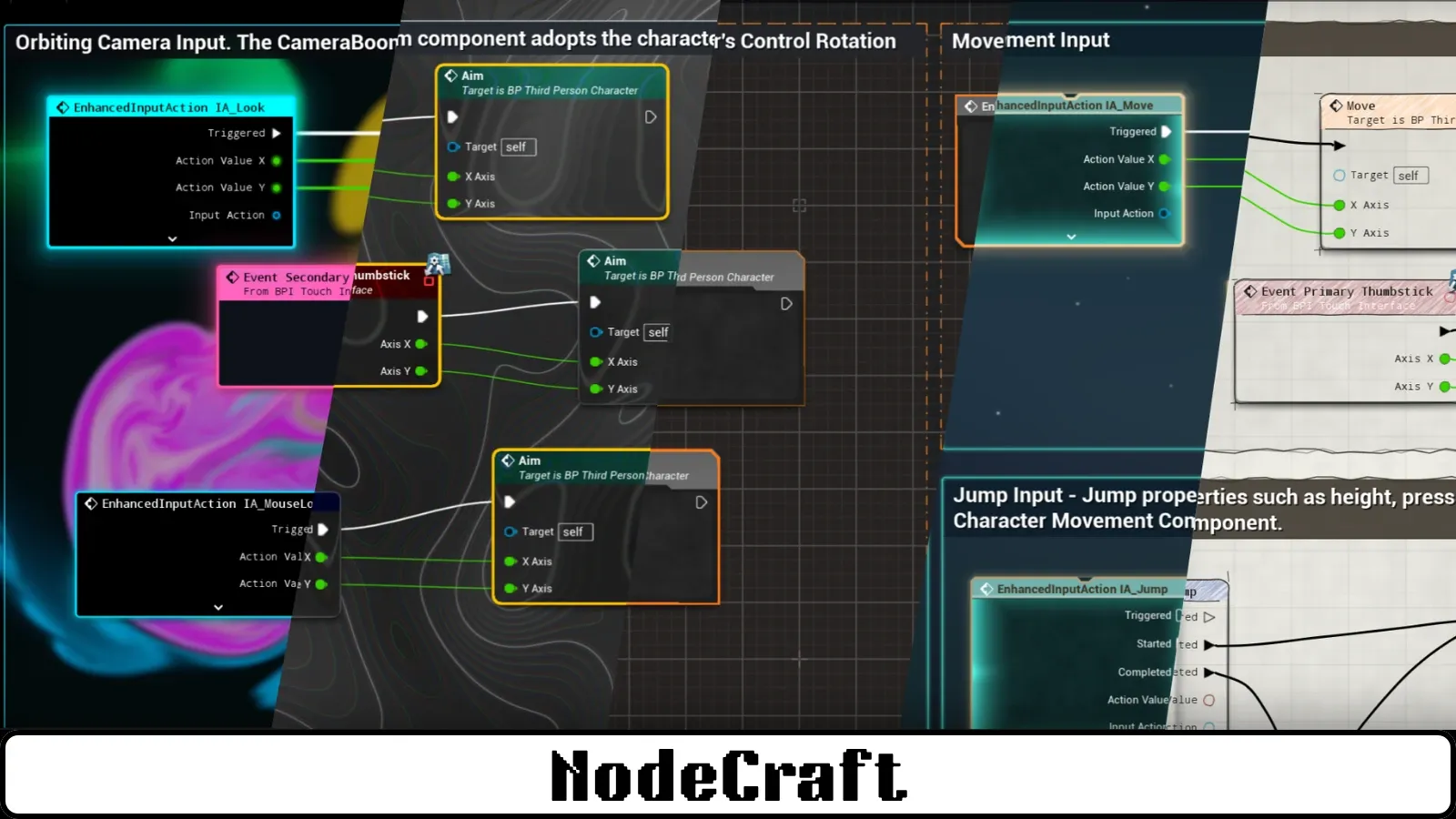
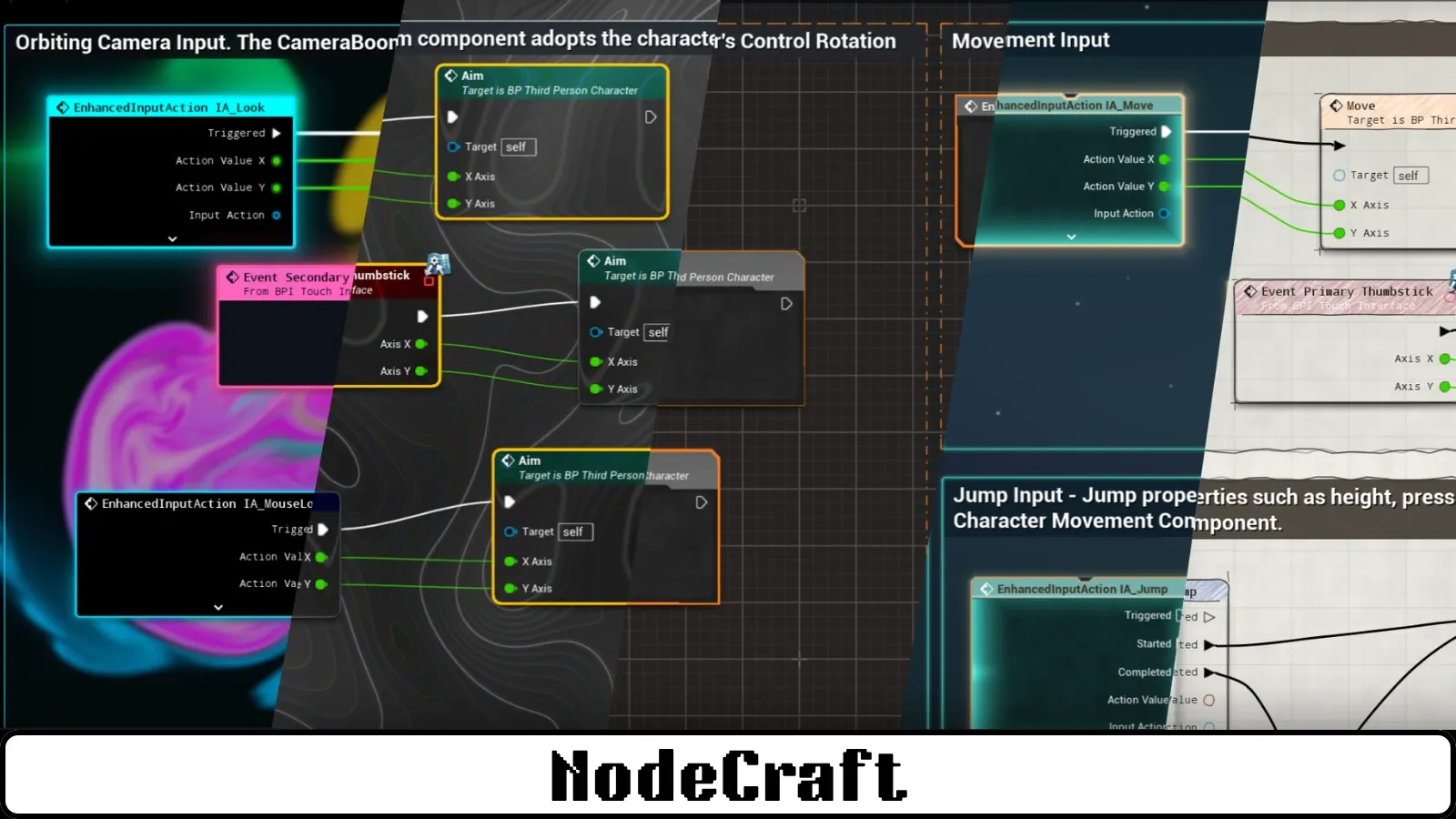
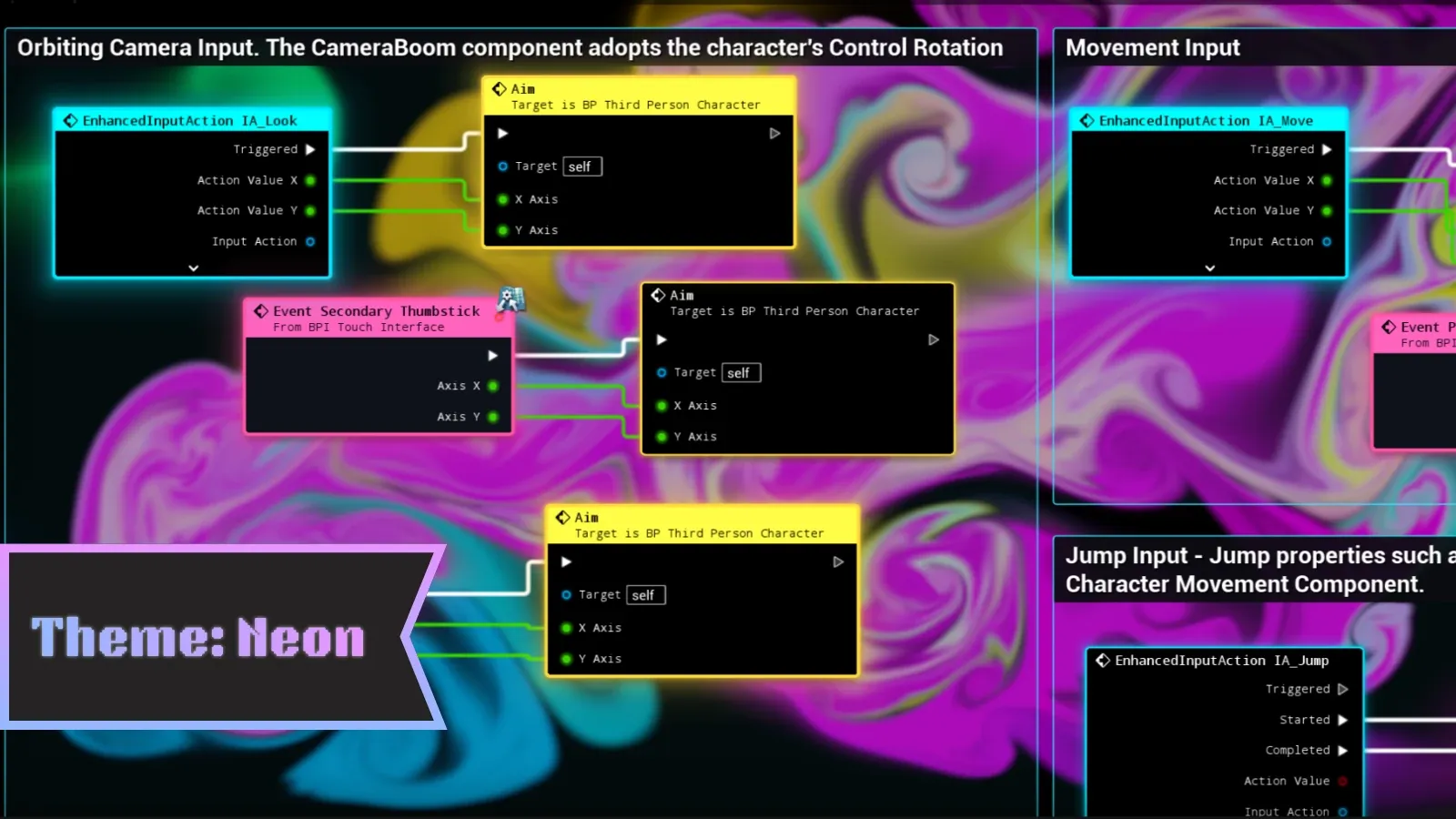
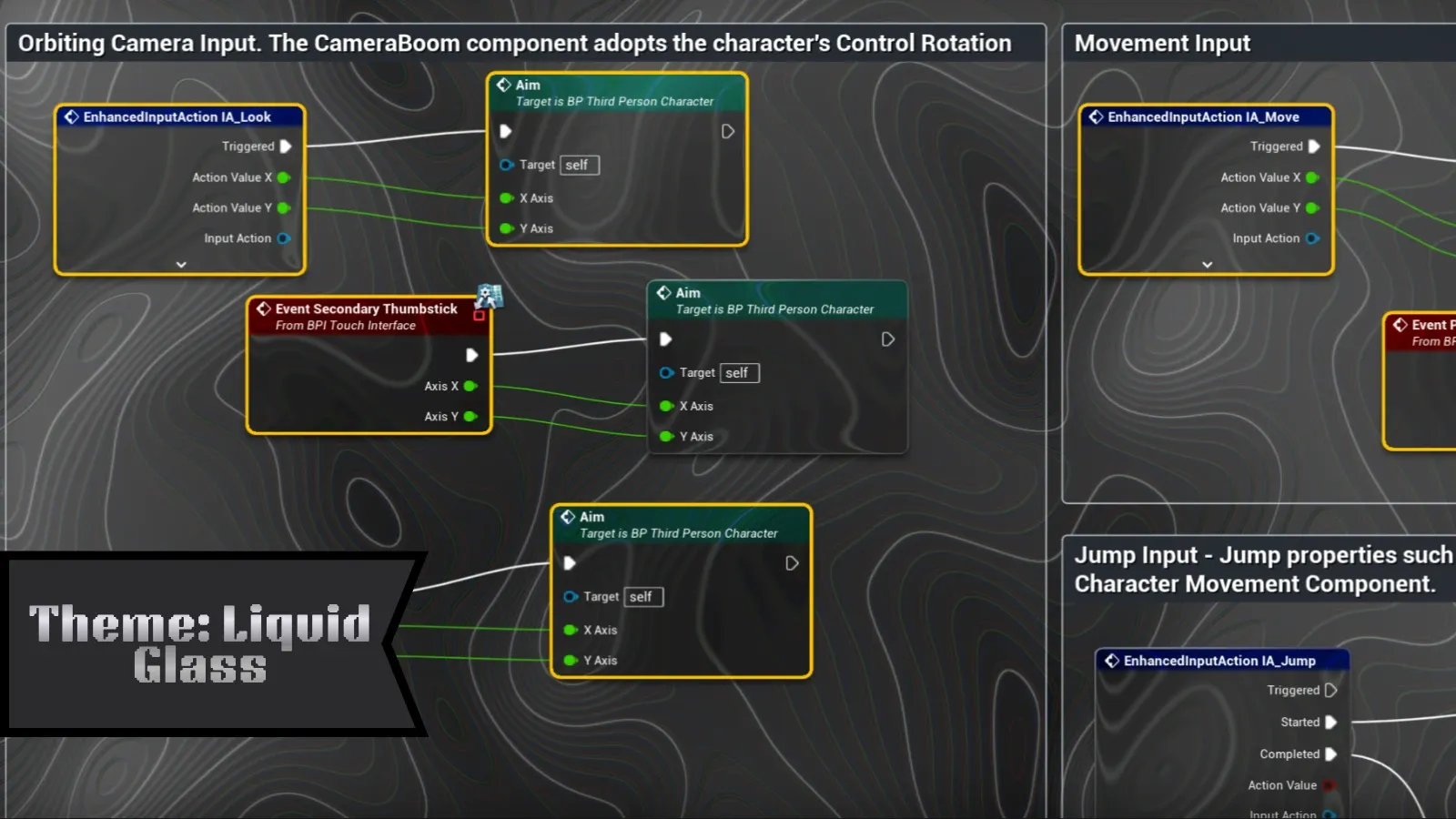
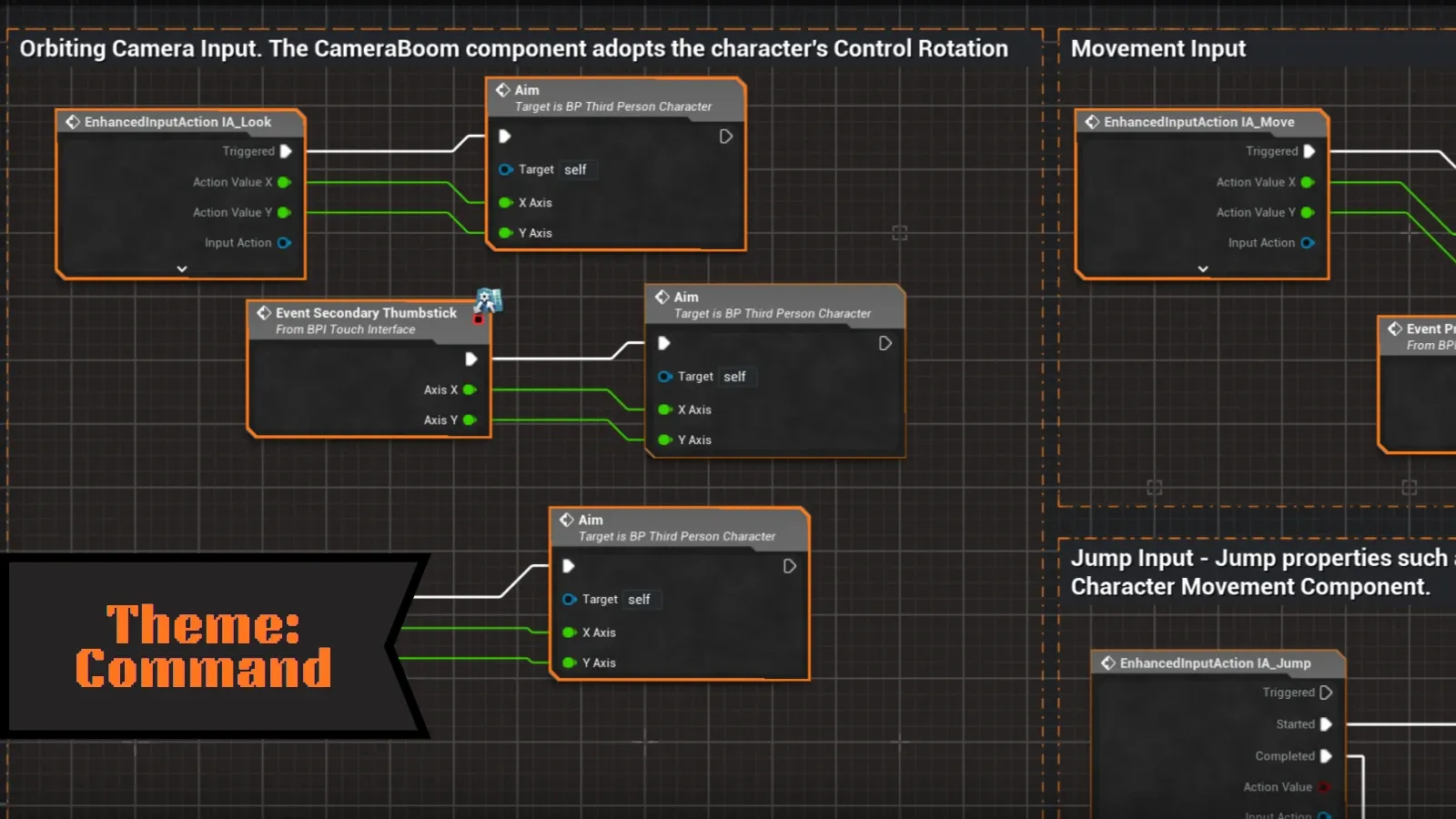
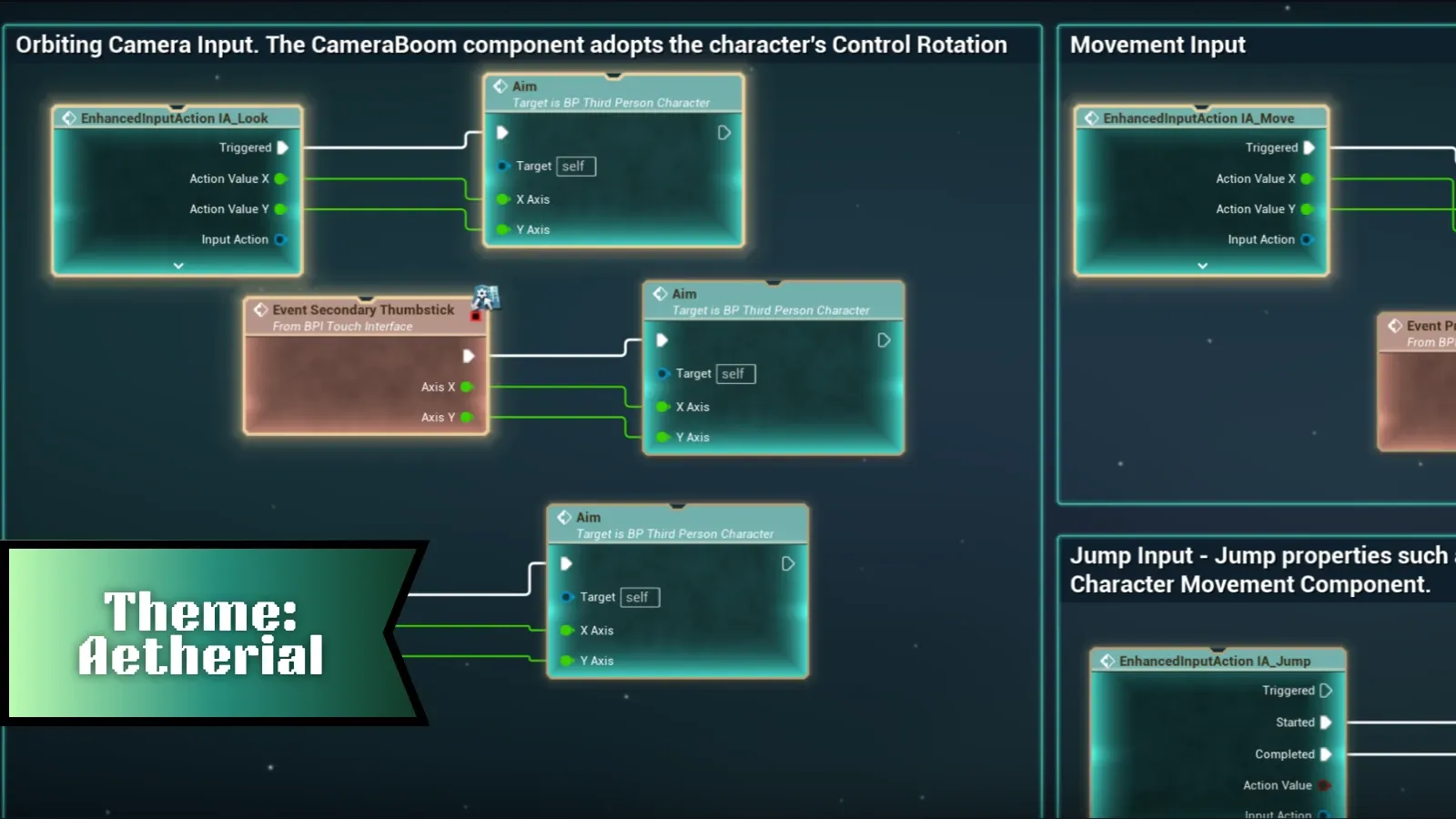
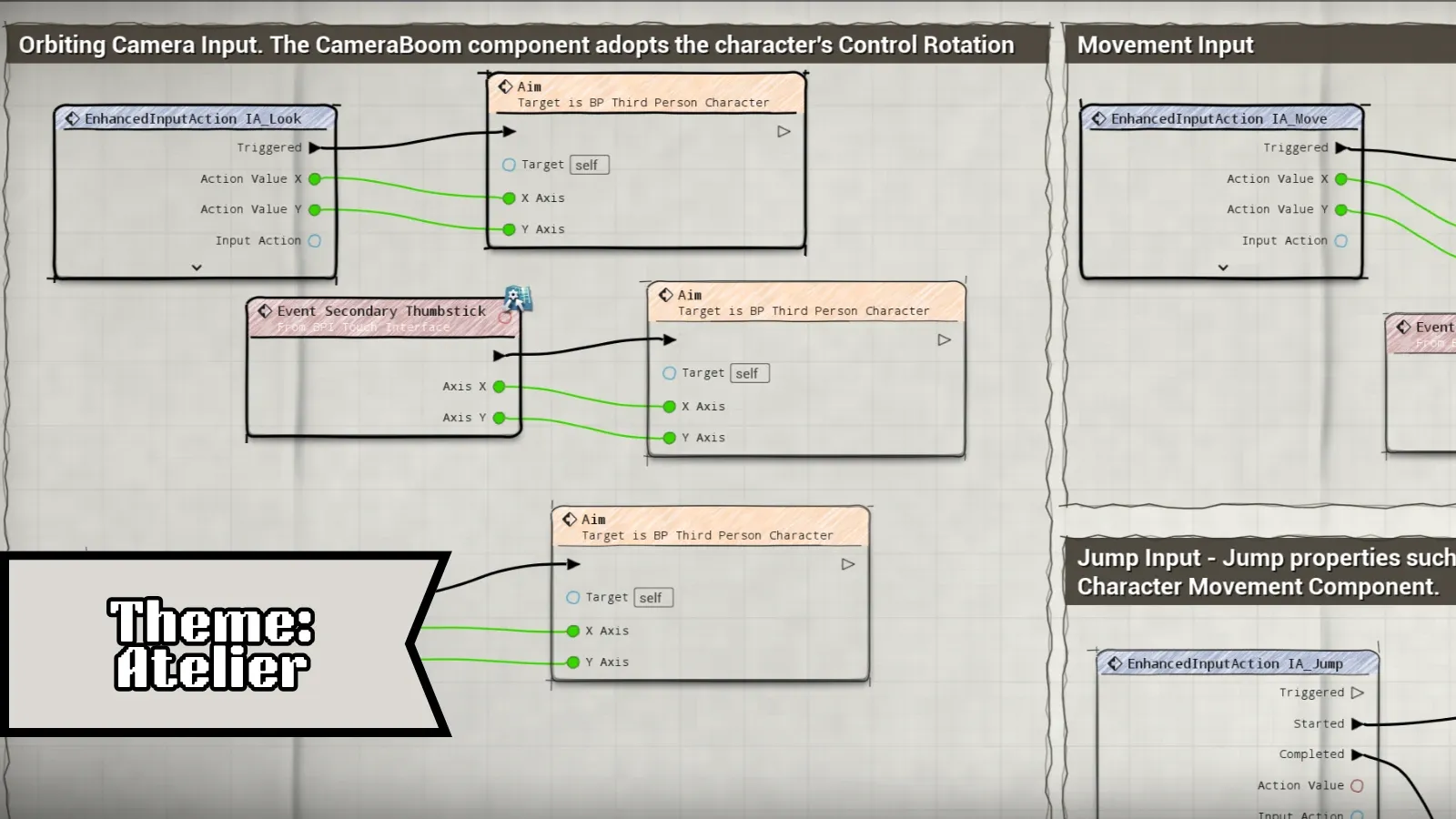
Every theme, up close.
What you get
Everything that draws your graph, restyled.
Seven hand-built themes
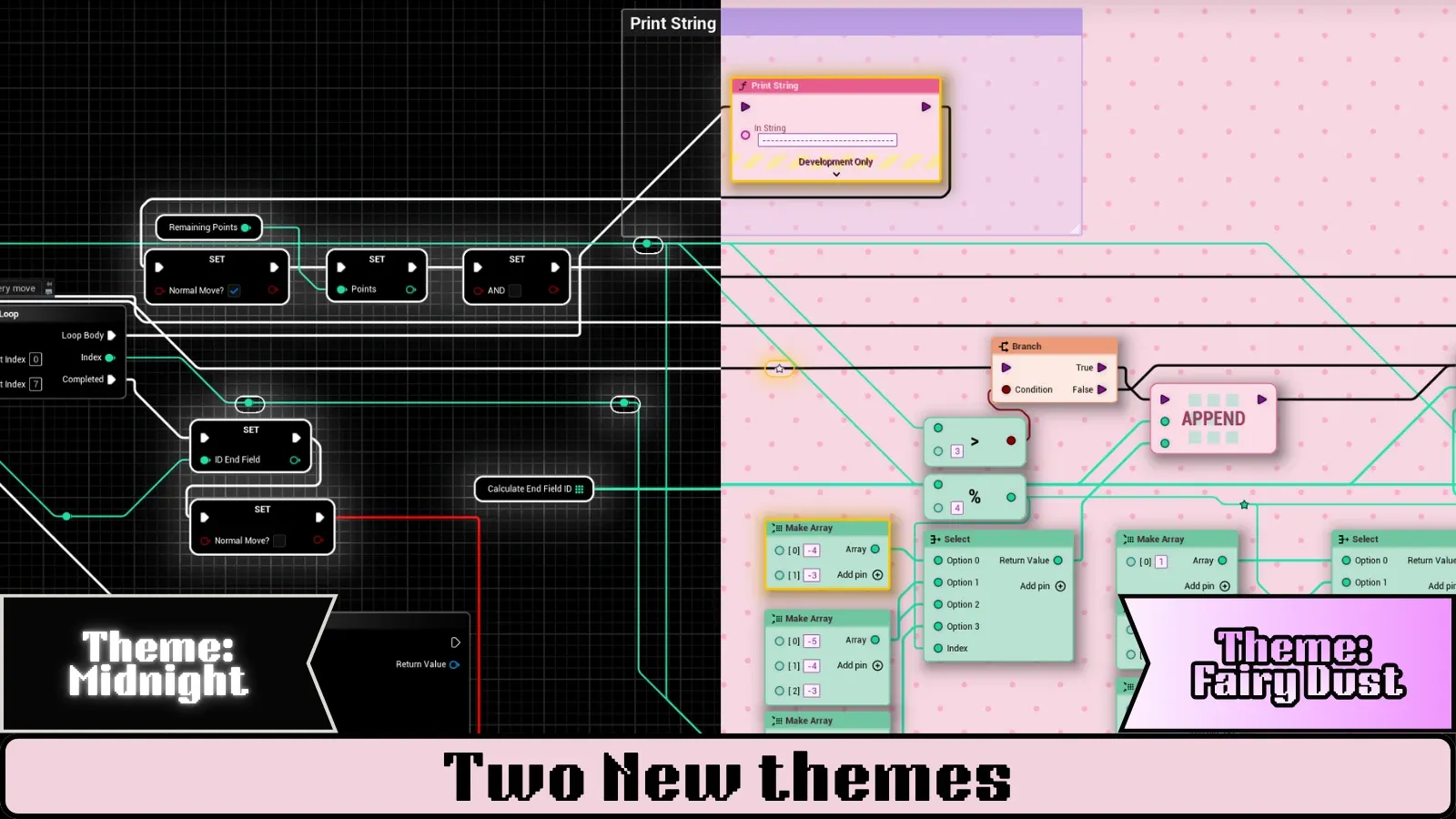
Neon, Liquid Glass, Command, Aetherial, Atelier, Midnight and Fairy Dust. Each one is a complete look, not a colour swap — or recolour Unreal's own nodes with the Custom theme.
Smart wire routing
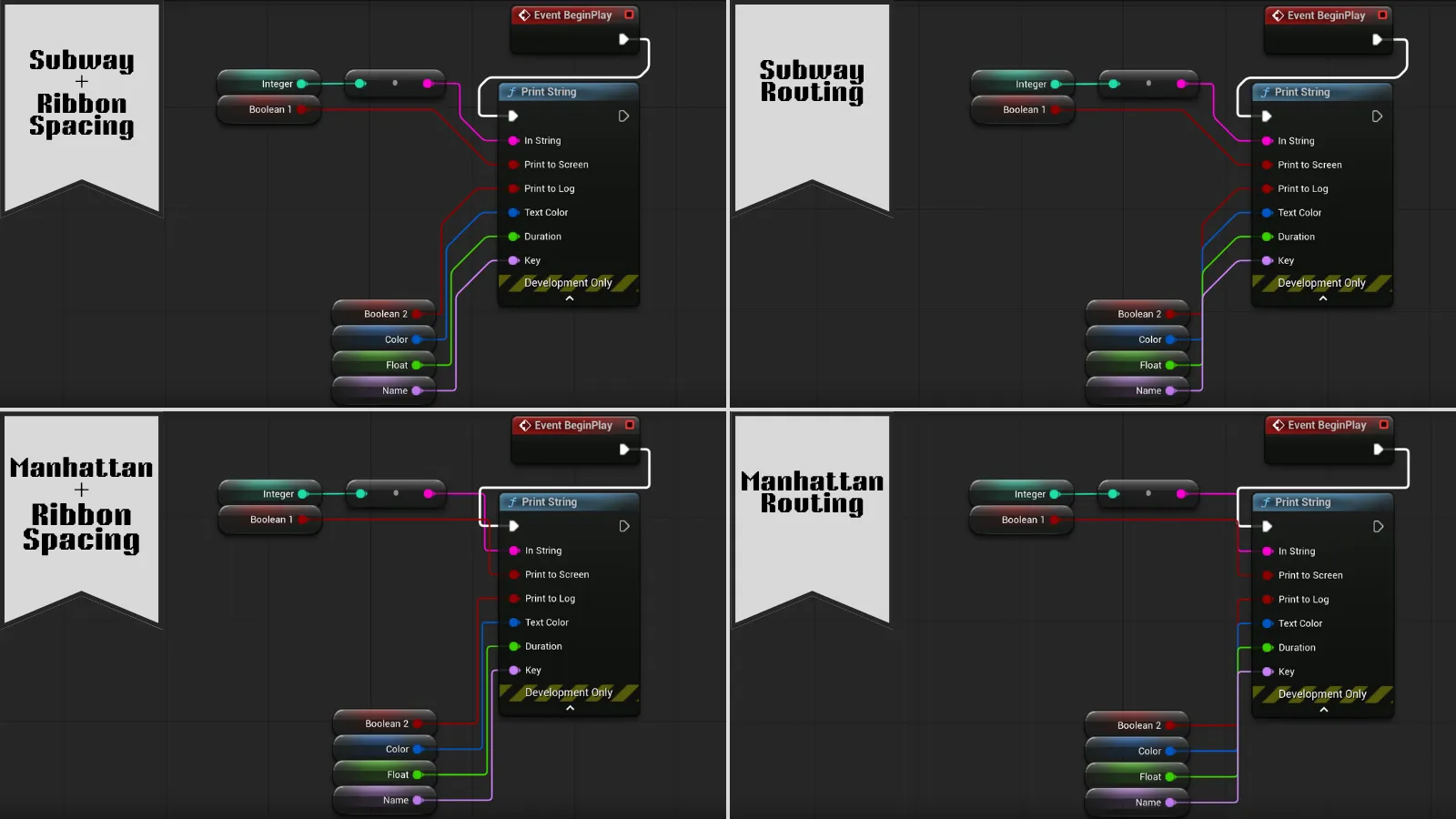
Unreal's curves, clean 90° Manhattan or transit-map 45° Subway. Manhattan and Subway find their way around nodes.
Shapes, pins and comments
Custom node silhouettes, themed pin icons, and comment boxes and bubbles that match each theme.
Live backdrops
A real fluid simulation behind Neon, a drifting nebula behind Aetherial, paper grain behind Atelier.
Remembers your choice
Theme, routing and wire spacing are saved per project the moment you pick them. No save prompts.
Editor-only and safe
Only changes how graphs are drawn. Your assets are never modified and nothing ships in your game.
Wire routing
Three ways to draw a wire.
Each theme comes with the routing it was designed around. Pin a style you prefer and it stays through every theme switch. Overlapping wires fan out into parallel lanes so every one stays visible.
Make it yours
Themes are data, not code.
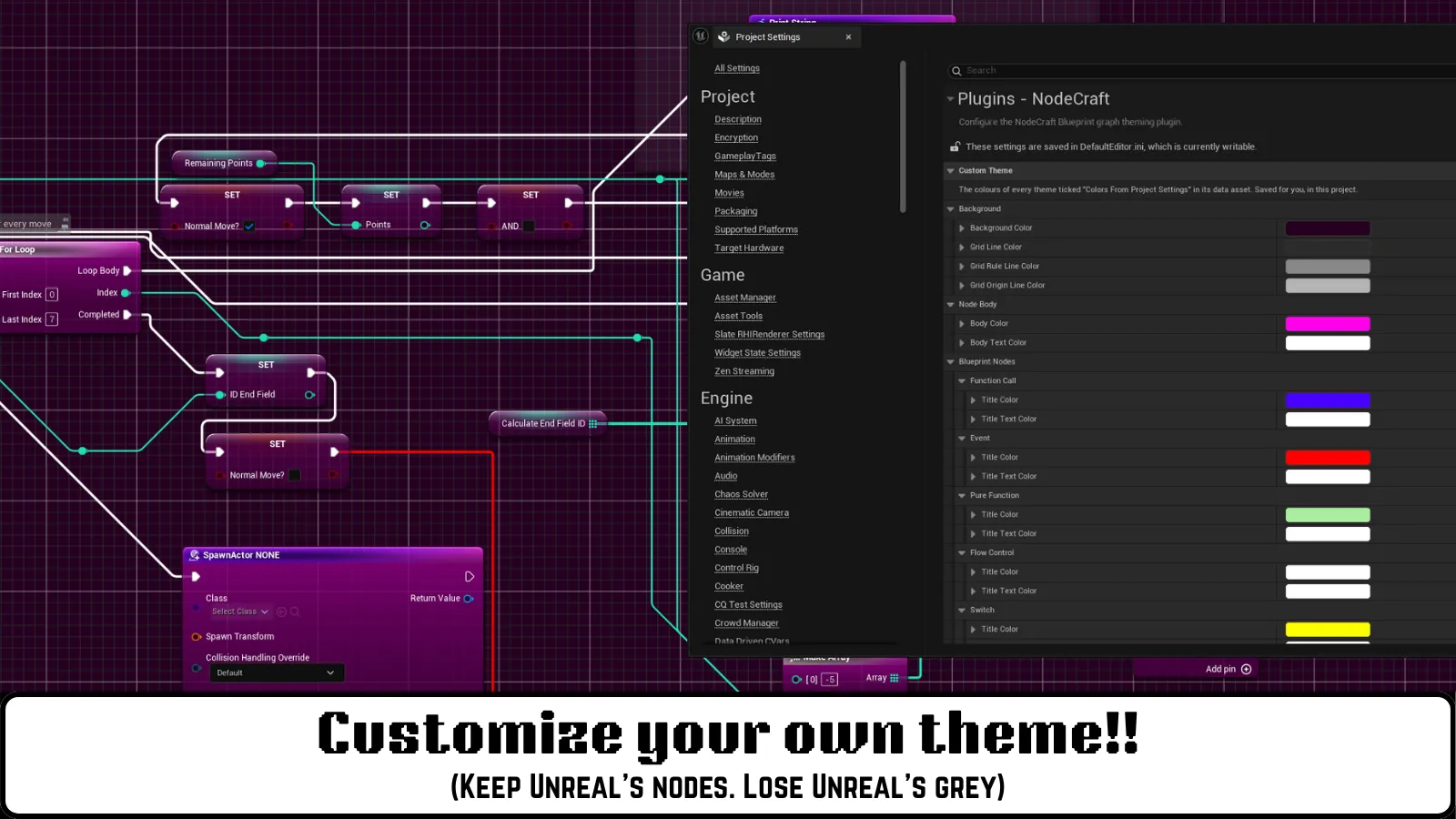
Every colour, material, pin icon, font, node shape, wire style and backdrop lives in a theme asset you edit right in the Unreal Editor. Changes show up in your open graphs straight away.
- Colour nodes by family: events, flow control, math, gameplay and more
- Use your own materials for node bodies, title bars and backdrops
- Add your own node silhouettes and pin icons
- Share a customised look with your whole team through source control
Getting started
Up and running in a minute.
- 1
Install from Fab
Add NodeCraft to Unreal Engine 5.6, 5.7 or 5.8 from your Fab library.
- 2
Enable the plugin
In your project, open Edit → Plugins, tick NodeCraft and restart.
- 3
Pick a look
Open any Blueprint or material and choose a theme from the NodeCraft toolbar dropdown.
Give your graphs a glow-up.
Questions before you buy, or stuck after? The Discord is the fastest way to reach us.